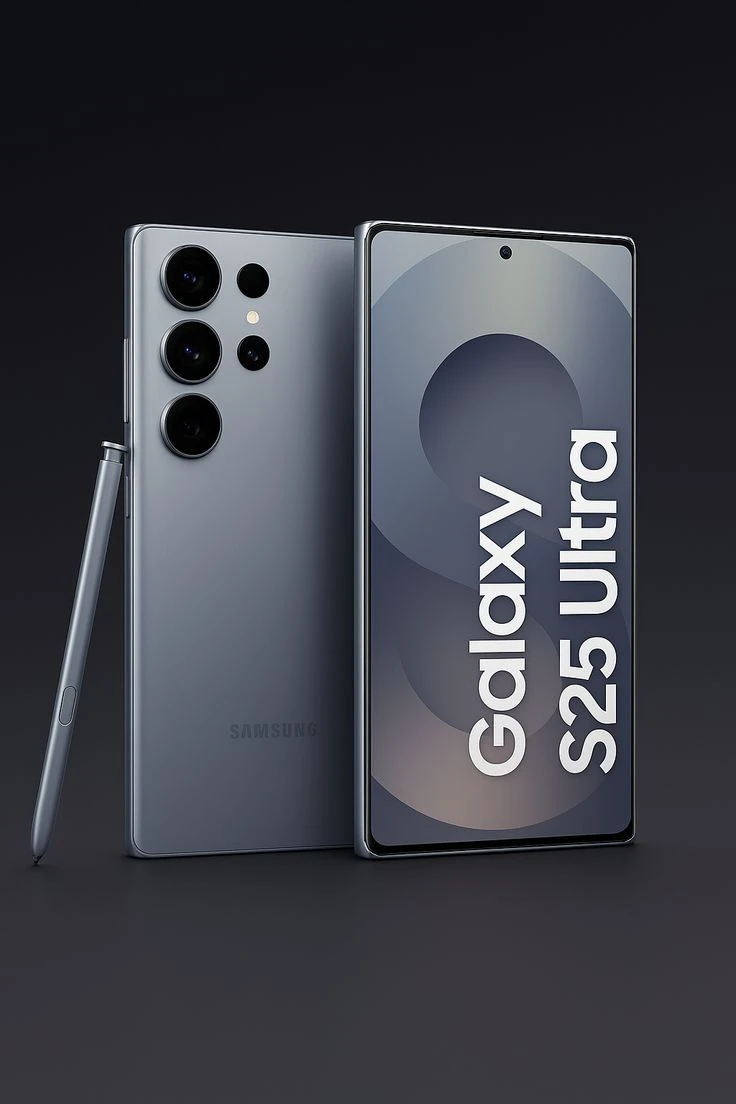
Master Your New Powerhouse: Samsung Galaxy S25 Ultra Setup Guide
Congratulations on your new Samsung Galaxy S25 Ultra! This flagship device is packed with cutting-edge features. Let's help you set it up for the best experience.
Step 1: Initial Setup
- Insert your SIM card (or set up eSIM)
- Charge your device to at least 50%
- Power on and follow the setup wizard
- Sign in to your Samsung and Google accounts
Step 2: Display Settings
The S25 Ultra features a stunning 6.8-inch Dynamic AMOLED display:
- Enable 120Hz refresh rate for smooth scrolling
- Adjust screen resolution to QHD+ for best quality
- Enable eye comfort shield for reduced blue light
Step 3: Camera Setup
Master the 200MP camera system:
- Explore Pro mode for manual controls
- Try Night mode for low-light photography
- Use 100x Space Zoom for distant subjects
- Enable 8K video recording for cinematic footage
Step 4: S Pen Features
Unlock the power of the S Pen:
- Take notes with Screen Off Memo
- Use Air Actions for remote control
- Try Smart Select for quick screenshots
- Translate text instantly with Live Translate
Step 5: Battery Optimization
Maximize your 5000mAh battery:
- Enable Adaptive Battery
- Use Power Saving mode when needed
- Optimize background app usage
- Enable 45W fast charging
Step 6: Security Features
- Set up ultrasonic fingerprint sensor
- Enable face recognition
- Configure Samsung Knox security
- Set up Find My Mobile
Conclusion
Your Samsung Galaxy S25 Ultra is now ready to deliver an exceptional experience. Explore its features, customize to your preferences, and enjoy the ultimate smartphone experience!